Account Title
USMAN JAVED
Account Number / ID
0306-2472020
IBAN / Swift Code
PK46JCMA1409923062472020
Scan to Pay Instantly
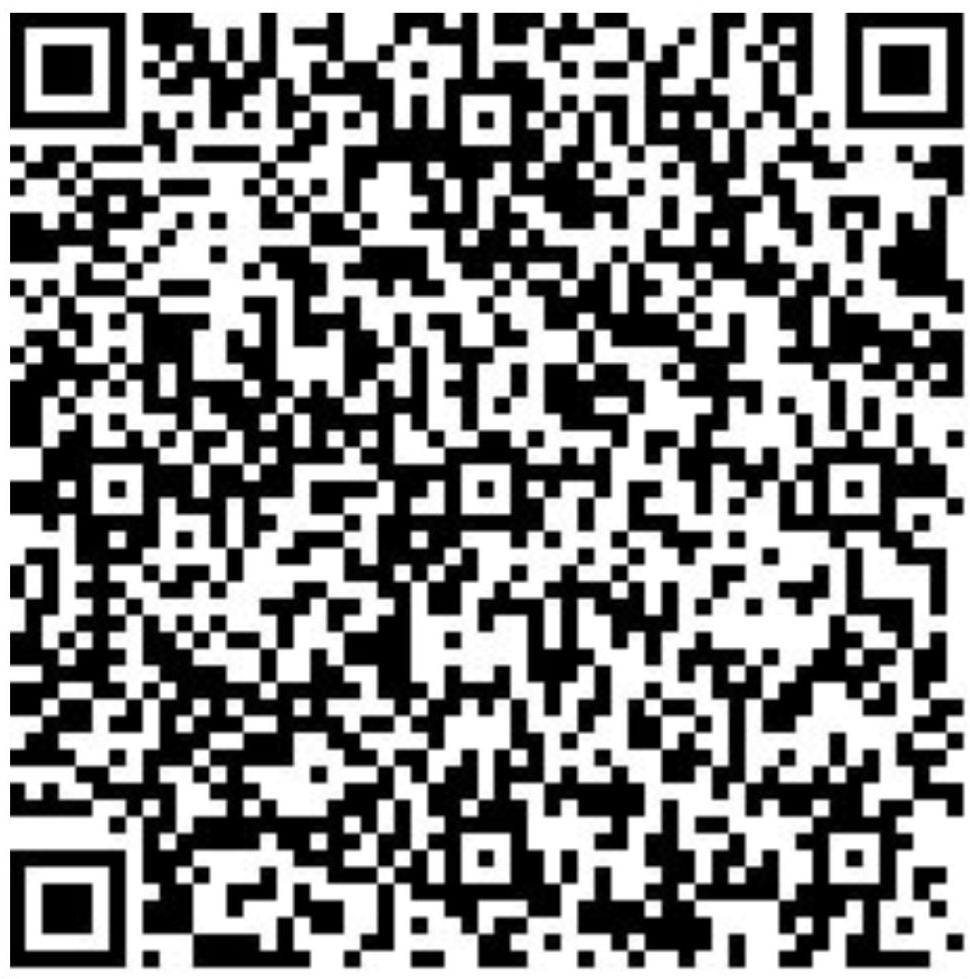
Open your payment app and scan this QR code
Instant Transfer
Secure Payment
24/7 Service
Get Receipt
How to pay with JazzCash:
- 1 Open JazzCash app on your mobile
- 2 Select "Mobile Account" or "Send Money"
- 3 Enter account number: 0306 2472020
- 4 Enter amount: PKR 3,600
- 5 Enter PIN to confirm payment
- 6 Save screenshot of confirmation for reference
Important: Next Step Required
After completing your payment via JazzCash, please return to the appointment booking form and upload the payment screenshot/receipt to complete your appointment request.
Don't forget to save your payment screenshot!
Secured by 256-bit SSL
PCI Compliant